TreeView Settings
The TreeView Settings determined the order of the sections in the TreeView when searching from Global Search.
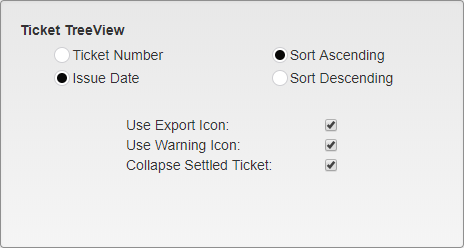
Ticket TreeView Options
Ticket Number or Issue Date - Select whether to sort Tickets by their Ticket Number or their Issue Date.
Sort Ascending or Sort Descending - Select whether to sort Tickets with the lowest at the top and Ascending as you move down the list, or with the highest at the top and Descending as you move down the list.
Use Export Icon - Select this option to use the Export icon in the TreeView.
Note: The Export Icon will override other status icons.
Use Warning Icon - Select this option to use the Warning icon in the TreeView.
Collapse Settled Ticket - Select this option to automatically collapse settled Ticket listings in the TreeView.
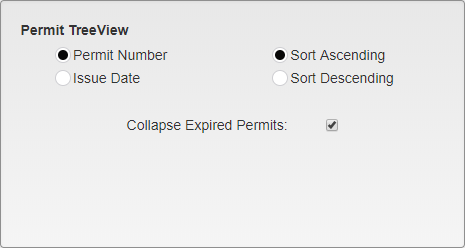
Permit TreeView Options
Permit Number or Issue Date - Select whether to sort Permits by their Permit Number or their Issue Date.
Sort Ascending or Sort Descending - Select whether to sort Permits with the lowest at the top and Ascending as you move down the list, or with the highest at the top and Descending as you move down the list.
Collapse Expired Permits - Select this option to automatically collapse expired Permit listings in the TreeView.
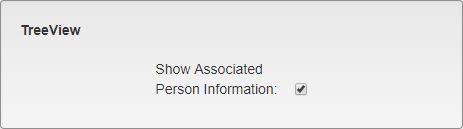
General TreeView Options
Show Associated Person Information - Select this option to show Associated Persons in the TreeView. This includes other Persons attached to the same Vehicles or Permits, as well as their relevant Finance information such as Tickets and Fees.
Was this article helpful?
That’s Great!
Thank you for your feedback
Sorry! We couldn't be helpful
Thank you for your feedback
Feedback sent
We appreciate your effort and will try to fix the article