To update the Ticket Number on your handheld, you will first need to log into TickeTrak Mobile-Android with an admin account. This is someone with a Security Level of 2 in the Officers listing in your main site’s System Settings.
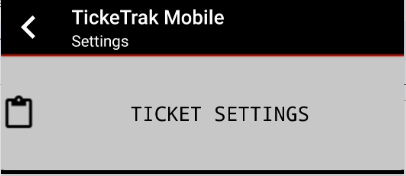
Once you have logged in, tap the three dots in the upper right of the application, then tap on Settings. At the top of this menu, tap on Ticket Settings.

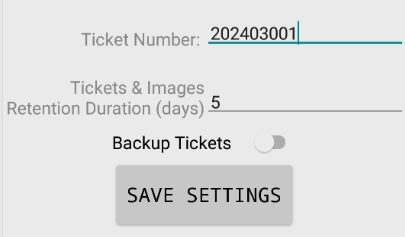
Change the Ticket Number to your new starting number, then tap Save Settings. The Ticket Number used when Issuing a Ticket will now match the new entry.
Note: This will need to be done on ALL of your handhelds individually.
Was this article helpful?
That’s Great!
Thank you for your feedback
Sorry! We couldn't be helpful
Thank you for your feedback
Feedback sent
We appreciate your effort and will try to fix the article